
Switching from USB to Bluetooth
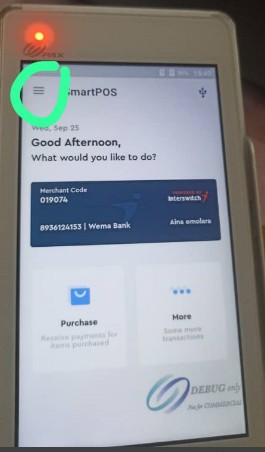
- Click on the three lines in the left corner of the screen.
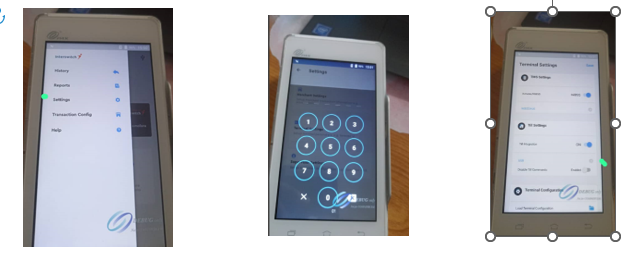
- Go to settings, when prompted, enter pin ‘224466’ and click on the grey drop-down button for more options.
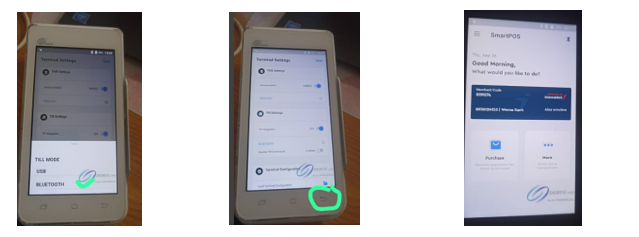
- Select Bluetooth and click on the back button twice to return to the home page.
Updated 11 months ago
What’s Next
Did this page help you?